A manga creation studio for your stories
Make your next chapter.
Write the story and shape your cast. MangaMade plans the pages, draws every panel in your series style, letters the dialogue on its own editable layer and exports the finished chapter.
- Story
- Cast
- Panels
- Lettering
- Export
15 free credits on sign-up. No card required.
The model draws. MangaMade letters.
Sample art, drawn without text. The balloons are live, translated text.
How it works
From a story to a finished chapter in five steps
You make the decisions at every step: MangaMade drafts, you edit, and nothing is drawn until you ask for it.
- Step 1
Start with a story
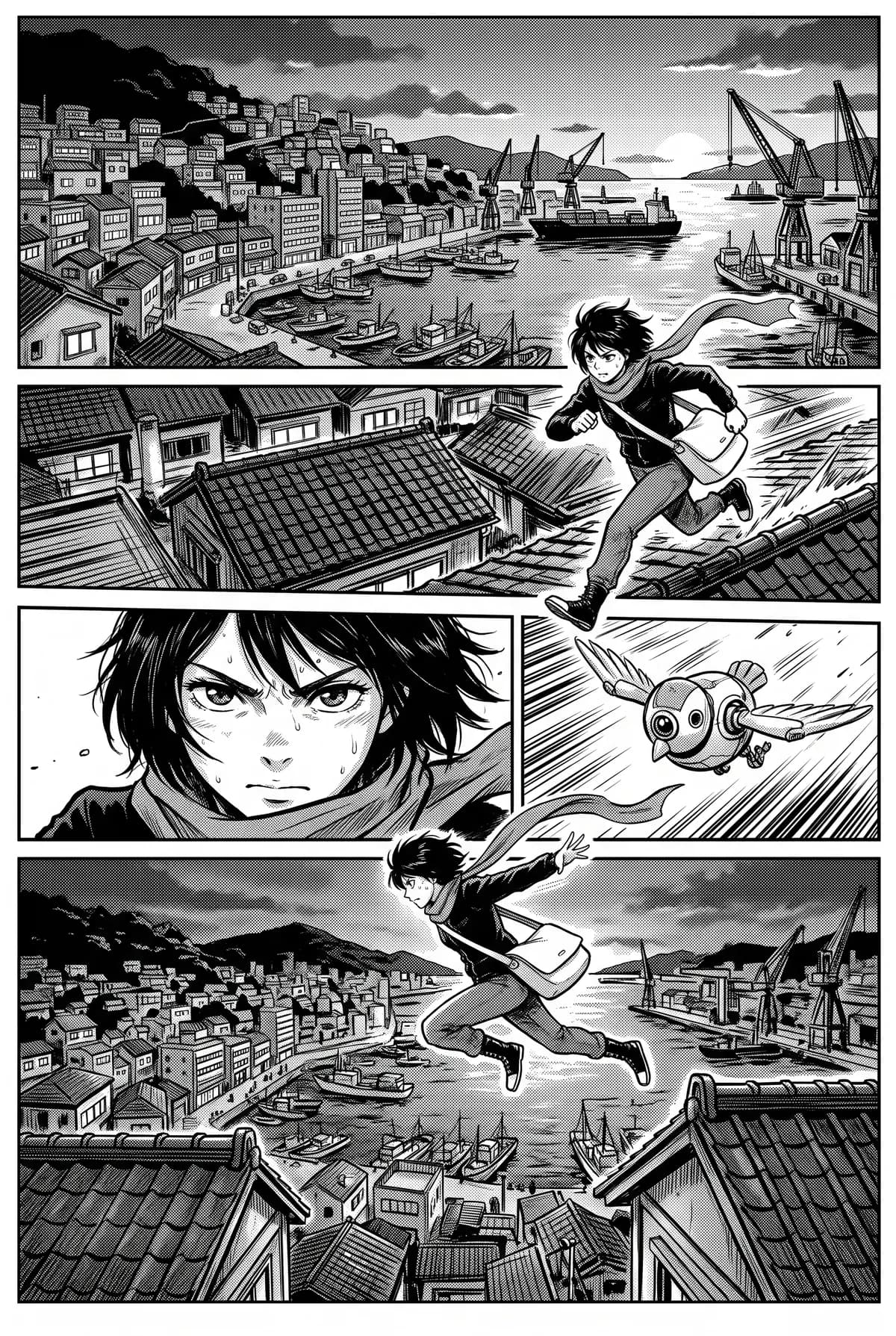
Pick a format, a style and the dialogue language, then paste an outline, a scene or prose. MangaMade plans it into pages and panels you can edit.
Chapter 1 · Page 1
Panel 1 · Wide shot. A harbour town at dusk, cranes against the sunset.
COURIER: Hey! Come back with that!
- Step 2
Build the cast
Describe each character or upload your own reference art. A model sheet with a turnaround and expressions keeps them recognisable from panel to panel.
 Sample art
 - Step 3
Generate the panels
Every panel is drawn in the series style, with the characters' sheets as references. Regenerate any panel with a note and keep the version you like.
 Sample art
 - Step 4
Letter the pages
Balloons, captions and sound effects are placed from the script on their own layer. Move them, resize them, rewrite them: the art never changes.
Sample artHey! Come back with that!
- Step 5
Export and share
Download PNG pages, a PDF, a CBZ or a vertical webtoon strip, or send a read-only link.
Style presets
One scene, ten styles
The same courier on the same rooftop, drawn in each of the ten presets. Pick one to start a series; a style reference then keeps the look for every chapter.
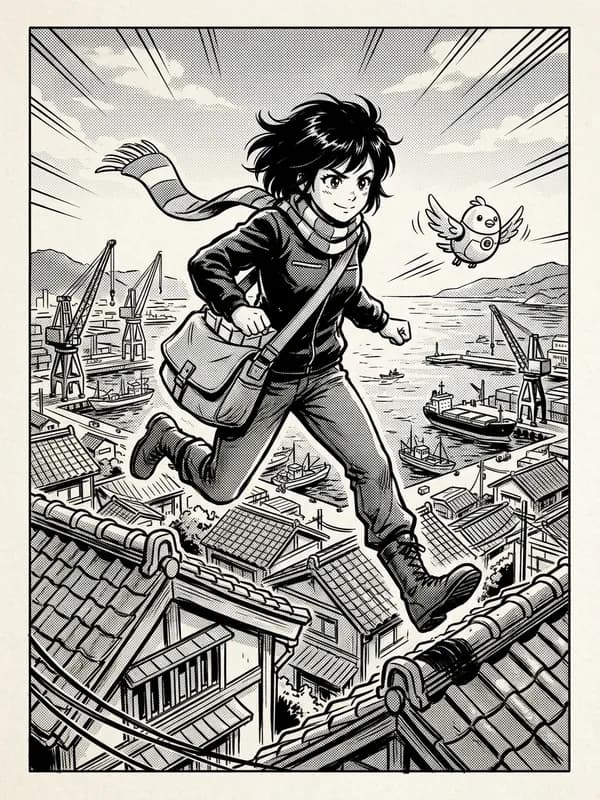
Manga ink
Black and white
Black-and-white ink with screentone shading and dynamic lines.
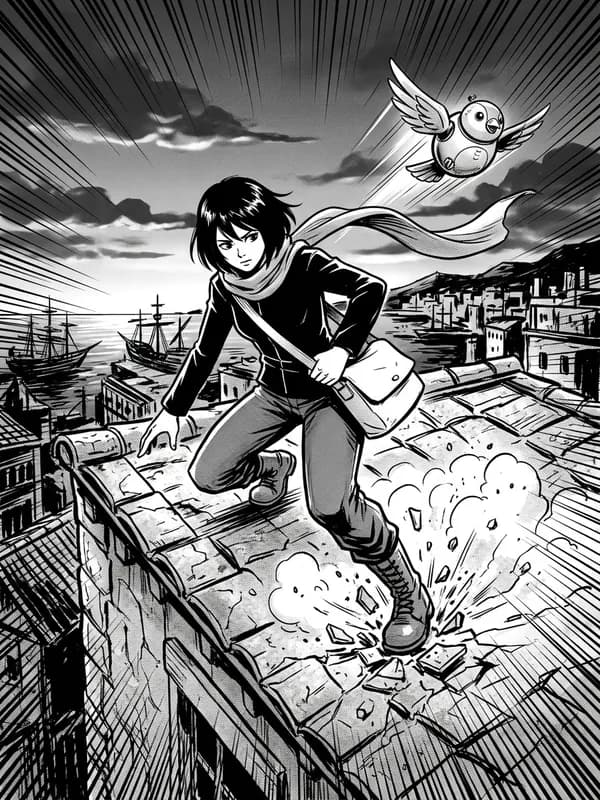
Action ink
Black and white
High-contrast action ink with bold speed lines and impact frames.
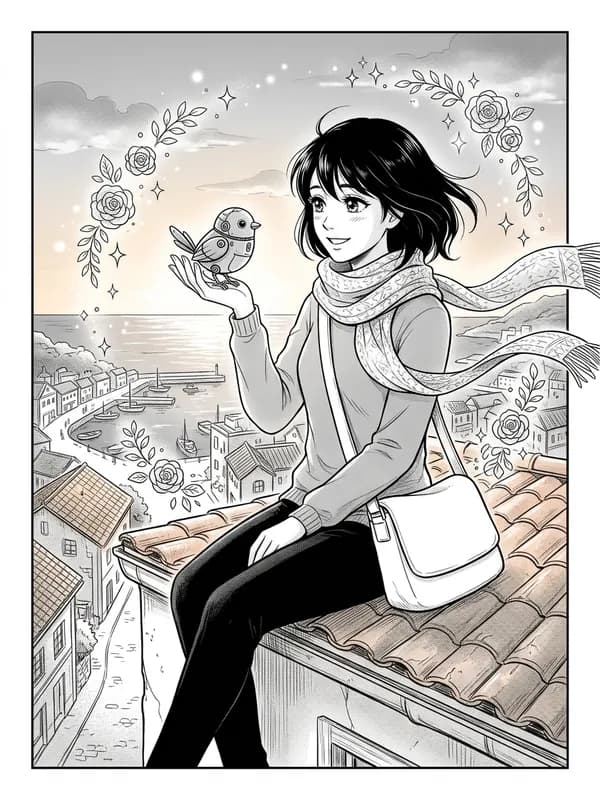
Soft romance
Black and white
Delicate lines, sparkles and floral motifs, gentle tones.
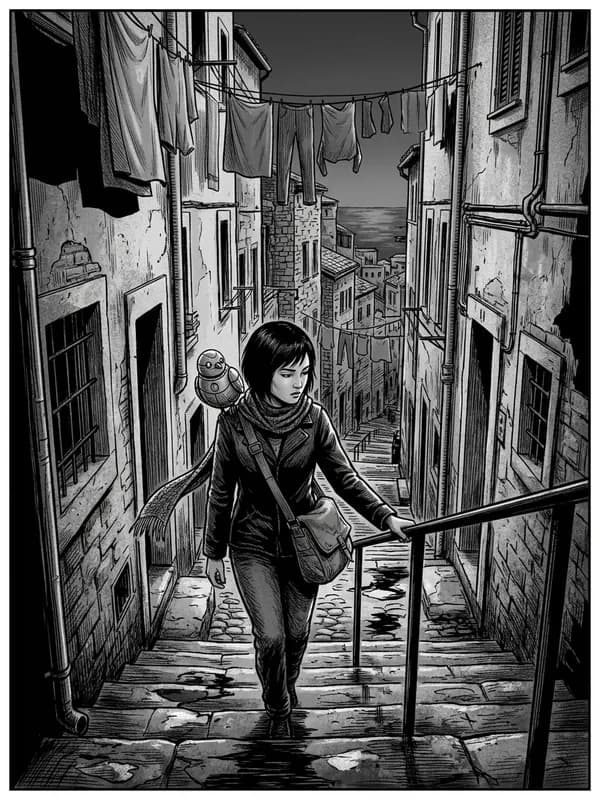
Realist ink
Black and white
Realistic proportions, detailed hatching and heavy blacks.
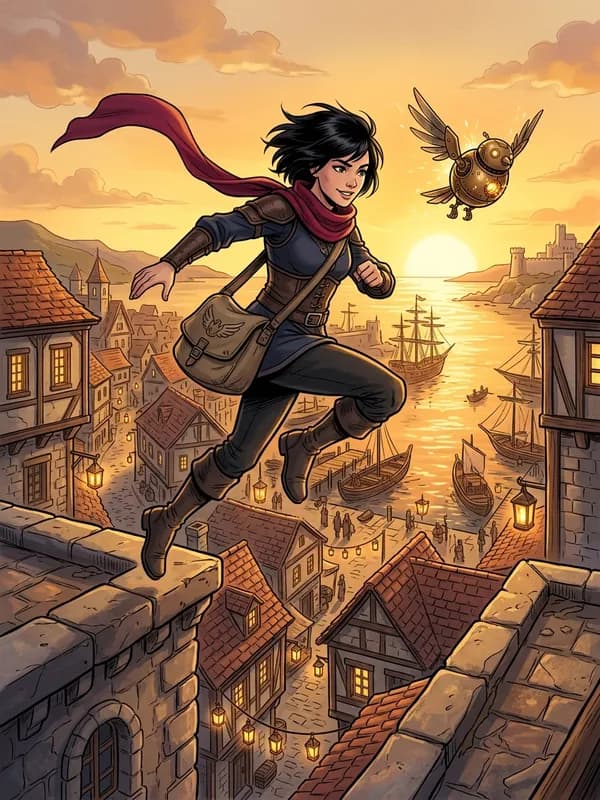
Painted colour
Colour
Full colour, painterly rendering with soft gradients.
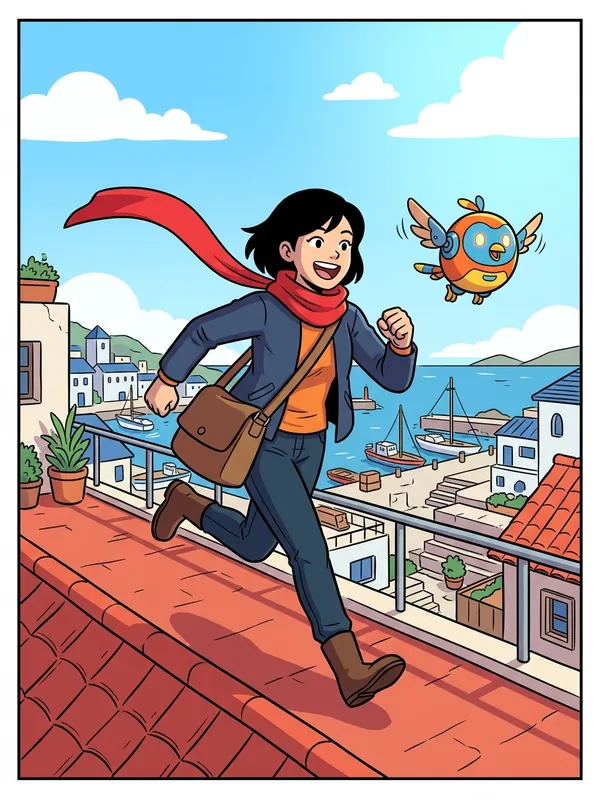
Flat colour
Colour
Clean flat colour and bold outlines, made for scrolling.
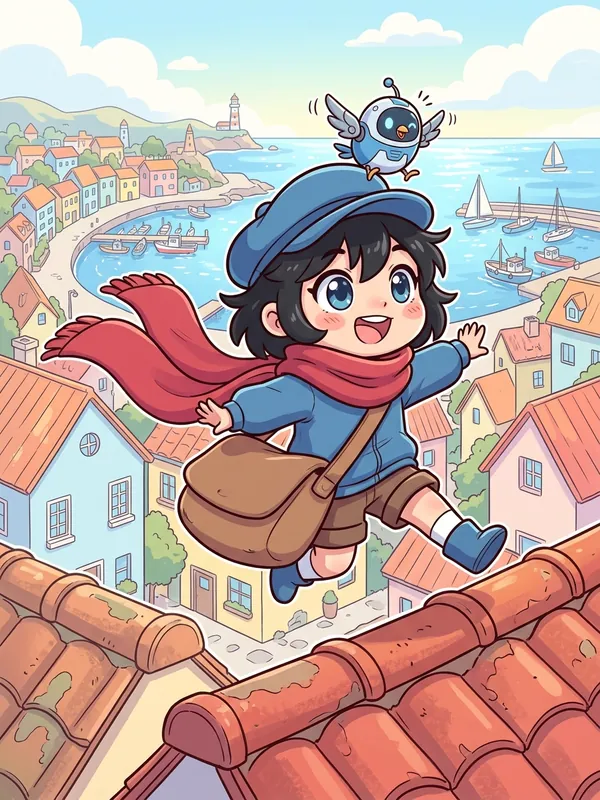
Chibi
Colour
Cute super-deformed characters with big heads.
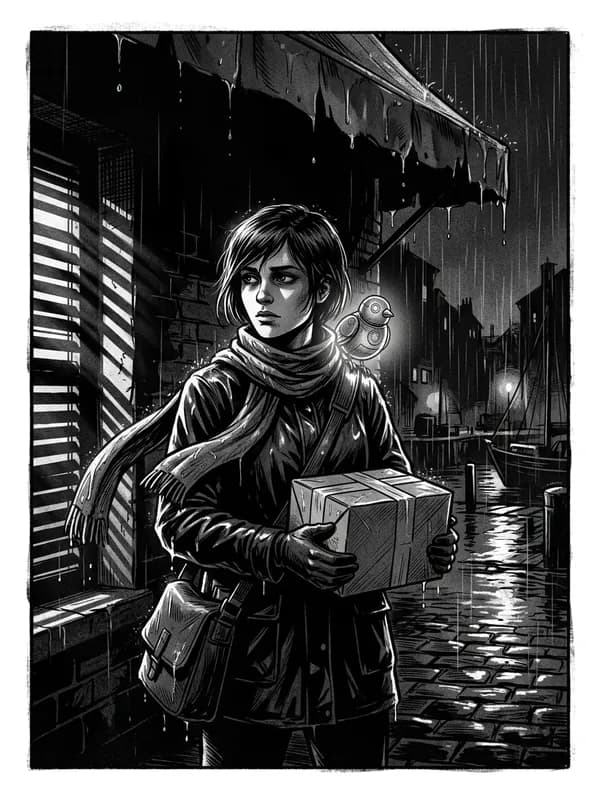
Noir
Black and white
Heavy shadows, stark light and film grain.
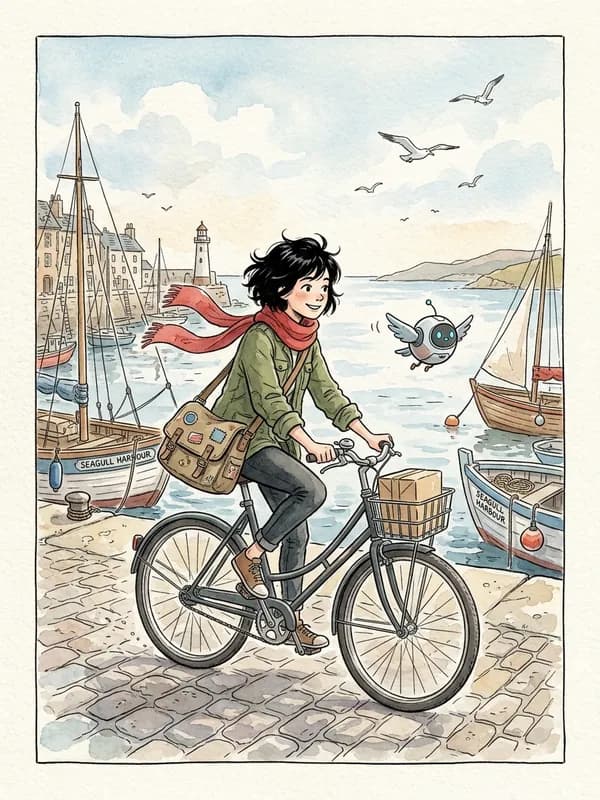
Watercolour
Colour
Loose watercolour washes over light ink.
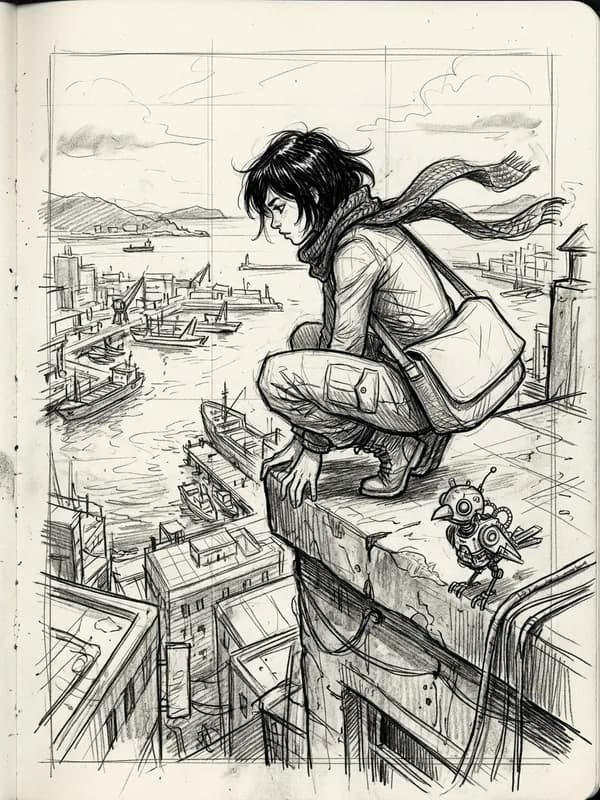
Pencil sketch
Black and white
Graphite sketch look with visible construction lines.
Sample art
Formats
Three ways to read, one studio
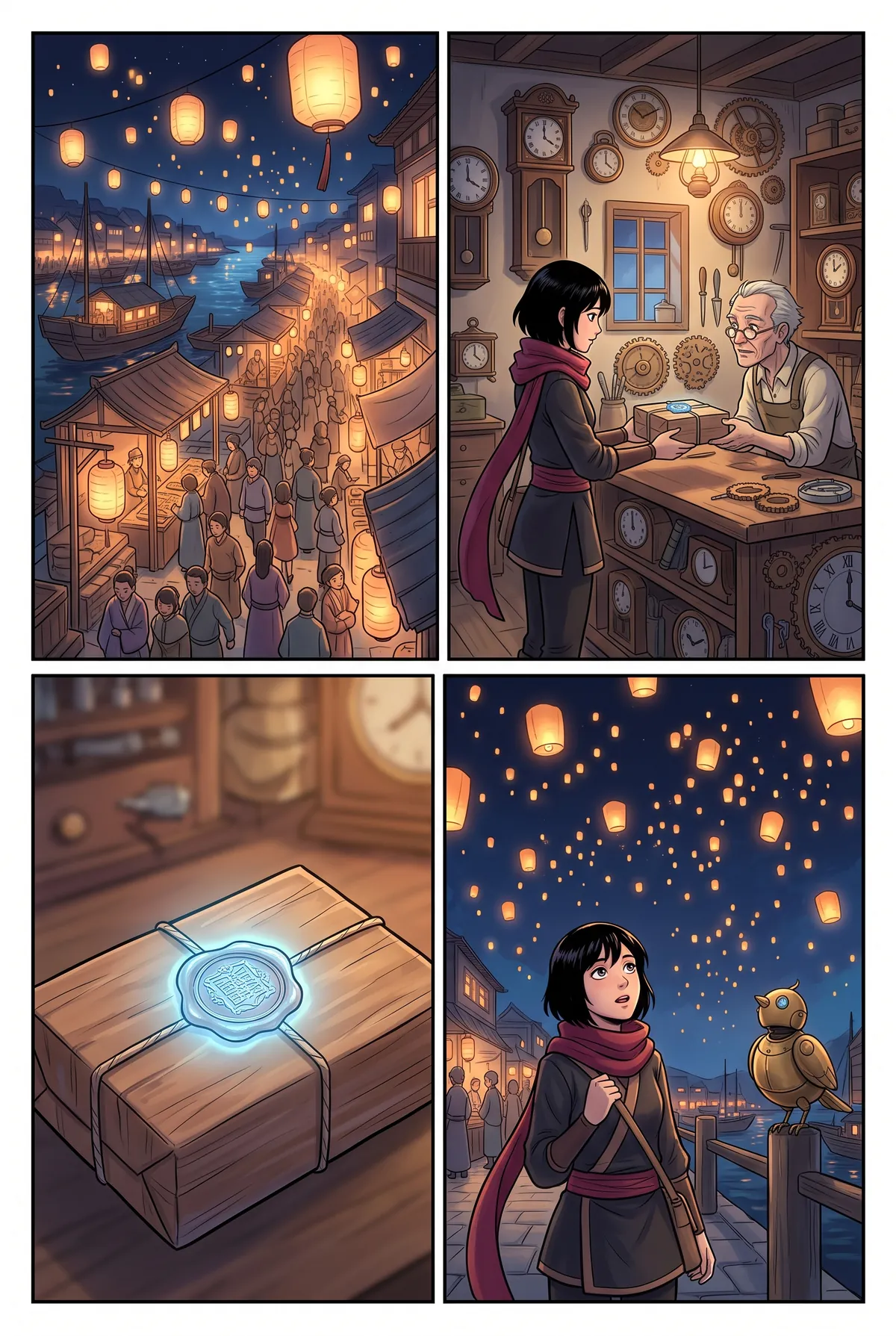
The format decides how pages flow. Choose it per series: page templates, balloon order and exports follow it.
Manga
Right to leftAI manga generatorReading order of a Manga page: Right to left. Pages read right to left, starting from the top right panel, in black and white or in colour.
Comic and manhua
Left to rightAI manhua generatorReading order of a Comic and manhua page: Left to right. Pages read left to right, the way manhua and western comics are read.
Webtoon
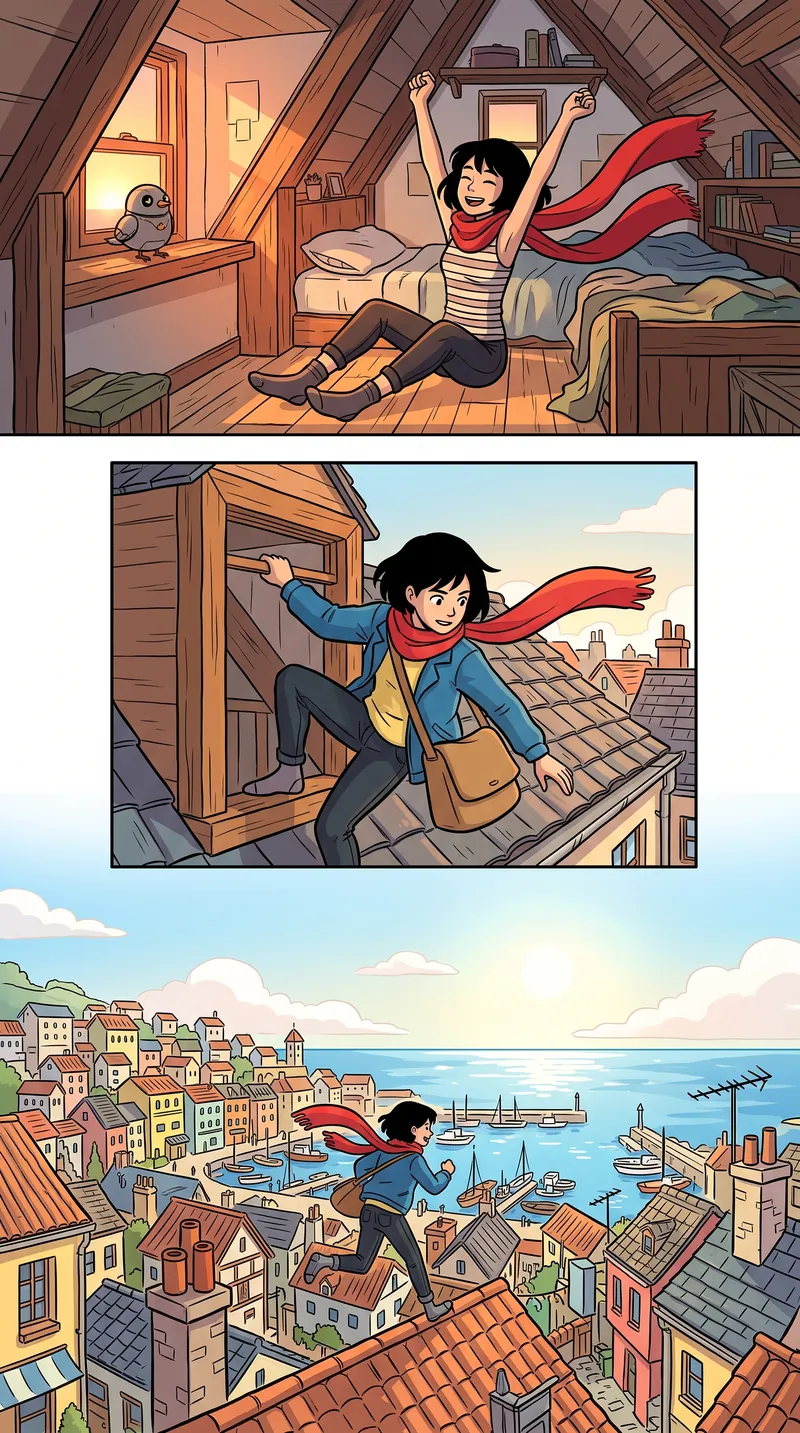
Vertical scrollAI webtoon makerReading order of a Webtoon page: Vertical scroll. One tall strip made for phones, sliced to upload size when you export.
Sample art
Features
Built for chapters, not single pictures
An image model draws a picture. A chapter needs a cast that stays itself, pages that read in order and words you can change.
The Forest Library
Manga · Chapter 1
A model sheet for every character
A turnaround and a set of expressions per character, used as a reference in every panel they appear in.
Text-free panels, editable lettering
Panels are drawn without any text. Dialogue, captions and sound effects sit on a vector layer above them, so a typo never costs a redraw.
A chapter script you control
Pages, panels, shots, dialogue and sound effects, planned from your story and editable line by line before anything is drawn.
Editions in more than 30 languages
Re-letter a chapter in another language from its script, right to left for Arabic and Urdu, without redrawing a single panel.
Exports for print and screens
PNG pages, PDF, CBZ for comic reader apps, or a vertical webtoon strip sliced for upload.
Redo one panel, not the page
Regenerate a single panel with a note, compare the versions and keep the one that fits the scene.
Developers
Bring MangaMade into your agents and pipelines
What you do in the editor, your code and your AI assistant can do too: create a series, plan a chapter, draw it and export it.
A REST API
JSON over HTTPS with a workspace key: series, cast, chapters, pages, generation, exports and credits, with the same rules as the app.
An MCP server for AI assistants
Connect Claude Code, Cursor, VS Code or any MCP client, then ask it to plan a chapter, estimate the cost and draw the pages.
Included in every plan
Hobby, Creator and Studio all include it, with fair per-minute limits starting at 60 requests a minute.
$ claude mcp add --transport http mangamade \
  https://api.mangamade.com/api/mcp \
  --header "Authorization: Bearer mm_live_…"

> Plan chapter 3 of my series and tell me what drawing it will cost.

● mangamade · plan_chapter { "chapterId": "ch_3" }
  ↳ { "pages": 12, "panels": 58 }

● mangamade · estimate_generation { "chapterId": "ch_3" }
  ↳ { "credits": 58 }
Pricing
Start free, then pay per panel
15 free credits on sign-up, no card required. One credit draws one panel at 1K; planning, lettering and exports are free.
- Hobby$19per month200 credits per month · About 40 five-panel pagesAPI and MCP · 60 requests/min
- Creator$49per month600 credits per month · About 120 five-panel pagesAPI and MCP · 120 requests/min
- Studio$149per month2,000 credits per month · About 400 five-panel pagesAPI and MCP · 300 requests/min
FAQ
Questions before your first chapter
Anything else, and the answer is one email away.
What does MangaMade make?
Finished comic chapters from your story: manga pages that read right to left, comic and manhua pages that read left to right, or a vertical webtoon strip. You get the chapter script, a model sheet per character, the generated panels, lettered pages and the exports.
How do characters stay consistent from panel to panel?
Each character gets a model sheet, with a turnaround and a set of expressions, and every panel they appear in is drawn with that sheet as a reference, together with the series' style reference. Image models can still drift: regenerate the panel with a note and keep the version that fits.
Why is there no text in the generated art?
Image models still garble lettering and cannot fix it line by line. MangaMade draws every panel without text and sets the balloons, captions and sound effects itself, so you can edit any line, move any balloon and re-letter the chapter in another language.
Can I use characters from a series I love?
No. MangaMade draws original characters only: names of existing characters, franchises and trademarks are refused, and so are real, identifiable people. Describe your own cast, or upload reference art you made or have the right to use.
Which languages can I letter in?
More than 30 languages: about thirty written in the Latin alphabet, including English, French, Spanish, Portuguese, German, Polish and Indonesian, plus Arabic and Urdu, set right to left, and Japanese, set horizontally. Chinese and Korean are not available yet. The comic's language is a series setting, independent of the language you use MangaMade in (English, French, Spanish or Arabic), and a chapter can be re-lettered in another language without redrawing.
Who owns what I make?
You do, to the extent the law allows. MangaMade keeps a licence only to render, store and serve your pages for you. Copyright in AI-generated images is not settled everywhere, so your story, script, edits and lettering are the parts most clearly yours; the terms of service explain it plainly.
How do credits work?
One credit is one generated image at 1K: a panel, or a regeneration of it. A 2K splash panel costs 2 credits, a character model sheet 2 credits and a style reference 1 credit. Planning, editing, lettering and exporting are free, and a panel that fails returns its credit.
What do I get for free?
15 credits on sign-up, with no card required: enough for a model sheet, a style reference and two five-panel pages. They stay valid for 30 days after sign-up. Until you choose a paid plan, exports carry a small watermark.
Is there an API?
Yes. Every plan includes a REST API and an MCP server, so your scripts and AI assistants can create series, plan and draw chapters and export them. Create a key in Settings; the developer docs list the limits and examples.
Your next chapter starts with a story
Start with 15 free credits: a model sheet, a style reference and your first two pages.
Start your first chapter