Webtoon
AI webtoon maker
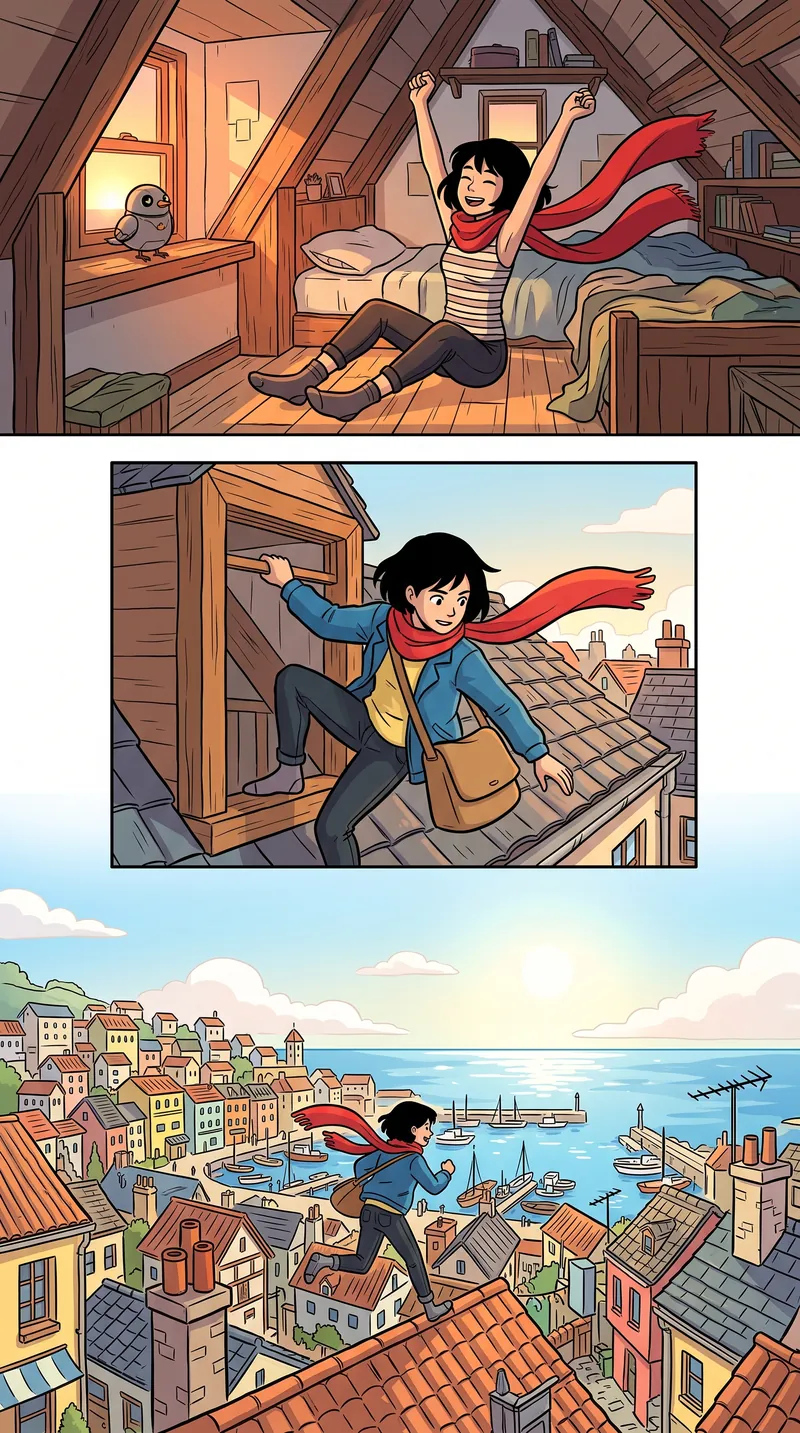
MangaMade is an AI webtoon maker that turns a written story into a vertical-scroll webtoon episode. It plans the strip segment by segment, keeps the cast consistent with character model sheets, draws every panel with AI in the series style, letters the dialogue on its own editable layer and exports a strip 800 px wide, cut into PNG slices ready to upload.
15 free credits on sign-up. No card required.
 Sample art
At a glance
How MangaMade makes webtoons
- Reading direction
- One vertical strip, read from top to bottom by scrolling, with no pages and no page direction.
- Layout
- Segments 800 px wide, each stacking one to three full-width panels separated by 120 px gutters and drawn without borders, up to 24 segments per chapter.
- Colour
- Starts from the Flat colour preset, clean flat colour and bold outlines made for scrolling. Any of the ten style presets works with the format, black and white included.
- Lettering
- Panels are drawn without any text. Balloons, captions and sound effects sit on an editable layer, read from top to bottom, in more than 30 languages.
- Exports
- A strip 800 px wide, cut into numbered PNG slices up to 1280 px tall, or shorter down to 400 px, in a ZIP. A PDF, a CBZ and a share link that shows one continuous strip are available too.
- Credits
- Every webtoon panel is drawn at 1K for 1 credit; a character model sheet costs 2 credits and the style reference 1 credit. Planning, lettering and exports are free.
How it works
How to make a webtoon with AI
You make the decisions at every step: MangaMade drafts, you edit, and nothing is drawn until you ask for it.
Start a webtoon series
Pick the webtoon format, a style such as Flat colour and the dialogue language, then describe the premise, the setting and the tone.
Build the cast
Describe each character or upload your own reference art. A model sheet, with a turnaround and a set of expressions, costs 2 credits and keeps them recognisable in every panel.
Plan the episode
Write a brief for the episode. The planner turns it into segments of one to three panels, builds each segment toward its last panel and lets a reveal open the next one. Edit any line before anything is drawn.
Draw the panels
Each panel is drawn for 1 credit in the series style, against the characters’ model sheets and without any text. Redraw any panel with a note and keep the version you like.
Letter and export
Balloons are placed from the script, from top to bottom. Adjust them, then export the strip as PNG slices ready to upload, or share a read-only link.
FAQ
Questions about making a webtoon with AI
Anything else, and the answer is one email away.
Can I make a webtoon without drawing?
Yes. You write the story and describe the characters, an image model draws each panel in the series style against the characters’ model sheets, and you letter and export the result. If you do draw, uploading your own sheets and style sample is free.
What size is a webtoon export?
MangaMade exports webtoon chapters as a strip 800 px wide, cut into PNG slices up to 1280 px tall by default, or shorter ones down to 400 px, delivered in a ZIP and numbered from top to bottom.
How many panels are in a webtoon episode?
There is no fixed rule; it depends on the story and the release schedule. In MangaMade, a webtoon chapter can have up to 24 segments of one to three panels each, and the planner aims for the length you ask for.
Should a webtoon be in colour?
Most are, often in flat colour with bold outlines, because they are read on bright phone screens. It is a choice, not a rule: MangaMade’s black-and-white presets work in the webtoon format too.
How much does it cost to make a webtoon with AI?
Each webtoon panel costs 1 credit, a character model sheet 2 credits and the series’ style reference 1 credit; the script, lettering, translations and exports are free. A new account starts with 15 free credits, valid for 30 days, with no card required.
Your next chapter starts with a story
Start with 15 free credits: a model sheet, a style reference and your first two pages.
Start your first chapter