Blog
How to make a manga chapter with AI, step by step
A step-by-step guide to making a manga chapter with AI in MangaMade, from the story to the exported pages, and what each step costs in credits.
Published September 23, 2026 · 8 min read
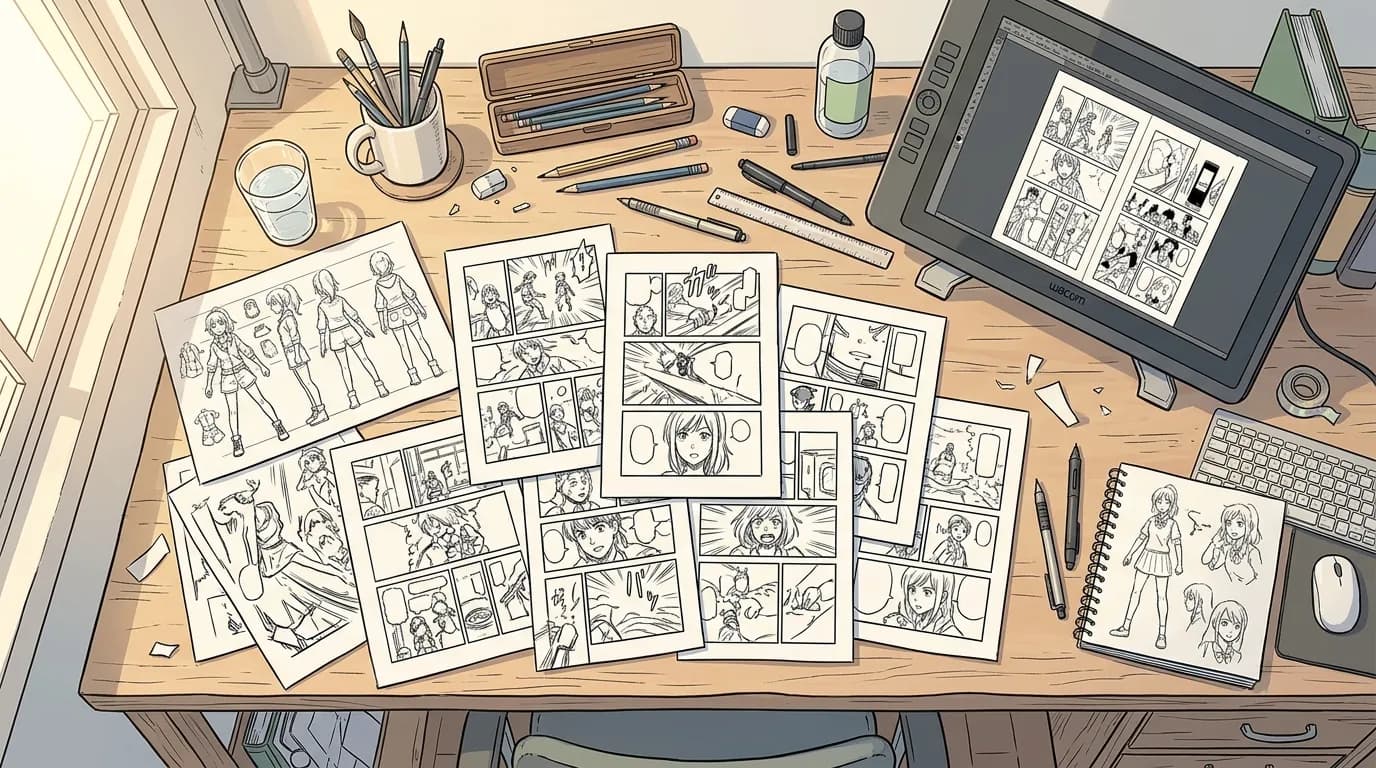
An image model can draw a striking picture, but a manga chapter is a different job. The same characters have to appear on every page, the panels have to read in order, and the words have to stay editable after the art is done. MangaMade splits the work so that the AI drafts and you decide: a language model plans the script, an image model draws each panel from it, and MangaMade letters the pages itself. Here is the whole path from a story to an exported chapter, what you control at each step and what it costs.
Before you start
You need a story and an account. The story can be an outline, a scene or finished prose; it does not have to be written as a script. Every new account starts with 15 free credits, valid for 30 days, with no card required. That is enough for one character model sheet, a style reference and two pages of five panels. Exports made without a paid plan carry a small watermark.
Step 1: Start a series
A series holds everything its chapters share. Setting one up takes five short steps and costs nothing.
- Format: manga (pages read right to left), comic and manhua (pages read left to right) or webtoon (one vertical strip). Page layouts, balloon order and exports follow it, and it cannot be changed later.
- Art style: one of ten presets, such as Manga ink, Painted colour or Flat colour. Each describes a look in plain words, and every panel of the series is drawn in it.
- Dialogue language and age rating. The comic’s language is separate from the language you use MangaMade in. The ratings are all ages, teen and mature, and none of them unlocks explicit sexual content.
- Story: a premise, a setting, a tone and up to four genres. The planner reads them before writing each chapter.
- Cast: the characters, which you can also add later.
Step 2: Build the cast and the style reference
Panels can only show characters from the cast, so add everyone who appears more than once: a name, a role, a short description, and an appearance made of apparent age, build, hair, outfit and distinguishing marks. Write the appearance in English, because those words go to the image model as they are. If you have art you made or may use, add up to four reference images per character.
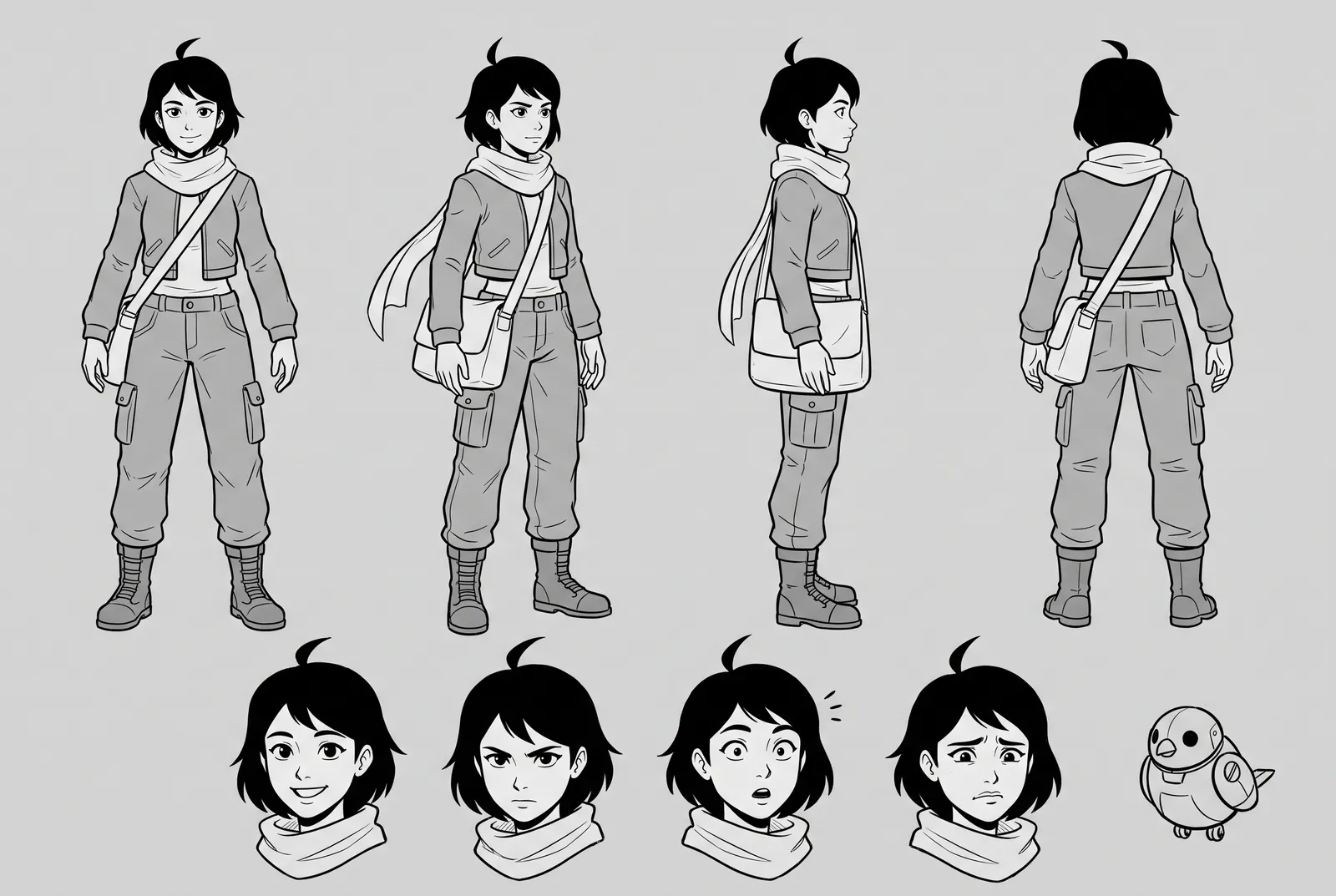
Next, draw the series’ style reference: one sample panel of your story’s world, in the series style, that every model sheet and panel is drawn to match. It costs 1 credit, or nothing if you upload a sample of your own. Then give each character a model sheet, a single drawing with a turnaround (front, three-quarter, side and back) and four expressions. A sheet costs 2 credits, or nothing if you upload a sheet you drew. Every panel with that character is drawn against it.
Step 3: Plan the chapter script
Create a chapter and write a brief: what happens, in the order it happens, in up to 12,000 characters. Choose a target length from 1 to 24 pages; the planner aims for it but can end up shorter or longer. It usually returns a chapter script in a minute or two, with:
- Pages, each with a layout template, from a single splash panel to a grid of six on manga and comic pages.
- Panels, each with a shot (establishing, wide, medium, close-up and so on), a setting, the characters present with their pose, expression and place in the frame, and the action.
- Up to three lines of dialogue per panel, each with a speaker and a balloon kind (speech, thought, shout or whisper), plus captions for narration and sound effects.
Everything is editable before anything is drawn. You can add, remove or reorder pages and panels, add or remove lines, change a layout or rewrite a line. Dialogue, captions and sound effects are in the series’ language; the setting, action, poses and expressions are drawing cues in English that readers never see. Planning is free within a daily limit, and you can plan the chapter again from a new brief. On the Creator and Studio plans, the planner works in two passes: a draft, then an editing pass on pacing and dialogue.
Step 4: Draw the panels
When the script reads well, choose Draw panels for the whole chapter or for some pages. MangaMade shows the price before any credit is spent: 1 credit per panel, and 2 for a one-panel splash page, which is drawn at 2K. Only panels without a drawing are drawn, so a panel is never paid for twice by accident.
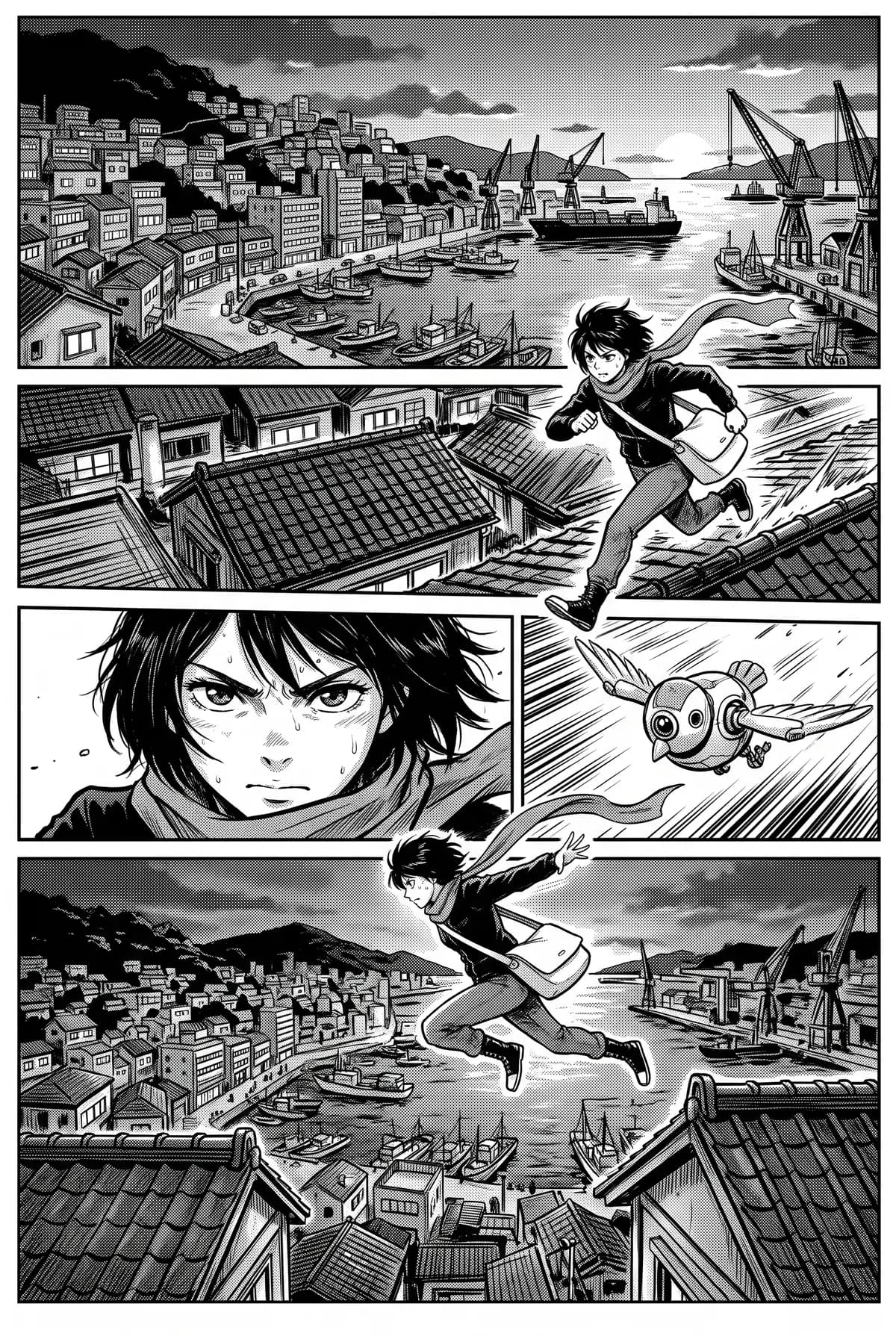
Each panel is drawn without any text, in the series style, against the model sheets of the characters in it, the style reference and, when a scene continues, the nearest earlier panel of the same scene that is already drawn. The drawing also leaves room in the corners where the script puts balloons.
If a panel misses, redraw it with a short note, such as “closer on her face, rain in the background”. A redraw costs the same as the first drawing. Every attempt stays in the panel’s history, and you choose which one goes on the page. A drawing that fails, or that the image provider refuses, returns its credit. If you edit a drawn panel’s cues later, it is marked out of date and keeps its picture until you redraw it.
Step 5: Letter the pages
Balloons, captions and sound effects are placed automatically from the script, on their own layer above the art. In the editor you can move and resize them, point a balloon’s tail at the speaker, change the balloon kind, the font and the size, and rotate and recolour sound effects. You can add your own, up to 60 pieces of lettering per page, and type straight onto the page: a line you rewrite there keeps your wording, while the lines you leave alone follow later edits of the script.
Because the words never touch the drawing, a typo costs nothing to fix. The same separation makes translation cheap: an edition of the chapter in another language re-letters every page from the script, without redrawing a panel and without using credits.
Step 6: Export and share
An export needs every panel of the pages it covers to be drawn. Then choose a format:
- PNG pages in a ZIP, numbered in reading order.
- A PDF, which opens right to left for manga.
- A CBZ archive, the format comic reader apps open.
- A webtoon strip: the pages stacked 800 px wide and cut into slices up to 1280 px tall for upload.
Exports are free, and each one can cover the whole chapter or a range of pages. You can also create a read-only link that anyone can open without an account, valid for up to 90 days, and revoke it at any time. MangaMade does not publish for you: you upload the files wherever your readers are.
What a chapter costs in credits
Credits pay for drawings only, and the style reference and model sheets are drawn once per series, then reused by every chapter. The first chapter therefore costs a little more than the next ones.
- A first chapter of 8 pages and 40 panels at 1K, with two model sheets, a style reference and five redraws: 40 + 4 + 1 + 5 = 50 credits.
- The next chapter of the same size, with five redraws: 45 credits.
- A 20-page chapter of 100 panels, with three model sheets, a style reference and 30 redraws: 137 credits.
Plans are monthly: Hobby at $19 for 200 credits, Creator at $49 for 600 and Studio at $149 for 2,000. A top-up adds 100 credits for $10, and top-up credits last 12 months. Every plan draws with the same models and exports in every format.
What stays in your hands
The AI drafts and you decide. Nothing is drawn until you ask, and you see the price before anything is spent. You can rewrite any line, change any layout, redraw any panel, move any balloon and translate the chapter without touching the rest. What MangaMade will not do is borrow someone else’s work: it draws original characters only, and names of existing characters, franchises and real, identifiable people are refused.
Questions this answers
- Do I need to know how to draw?
- No. You describe the story and the characters, and an image model draws the panels. What helps most is a clear brief and concrete appearance descriptions. If you do draw, you can upload your own model sheets and style sample for free.
- How many credits does a manga chapter cost?
- It depends on the number of panels: 1 credit per panel at 1K and 2 for a one-panel splash page, plus 2 per model sheet and 1 for the style reference, paid once per series. A first chapter of 8 pages and 40 panels, with two characters and five redraws, uses 50 credits; the next one of the same size uses 45.
- Can I change the dialogue after the panels are drawn?
- Yes. Dialogue, captions and sound effects live on MangaMade’s lettering layer above the art, so you can edit, move or translate them at any time, without redrawing and without credits.
- Which languages can the dialogue be in?
- About thirty languages written in the Latin alphabet, including English, French, Spanish, Portuguese and German, as well as Arabic and Urdu, set right to left, and Japanese, set horizontally. Chinese and Korean lettering are not supported yet.
- Does MangaMade publish my chapter?
- No. It exports PNG pages, a PDF, a CBZ or a webtoon strip that you upload wherever you publish, and it can share a read-only link. Exports made without a paid plan carry a watermark.
Make your next chapter
Turn your story into lettered pages: model sheets for your cast, AI-drawn panels and exports in PNG, PDF, CBZ or webtoon.
Start free