Blog
Manga vs manhua vs webtoon: formats and reading direction
How manga, manhua and webtoons differ in reading direction, page shape, pacing and colour, and how MangaMade lays out and exports each format.
Published September 23, 2026 · 7 min read
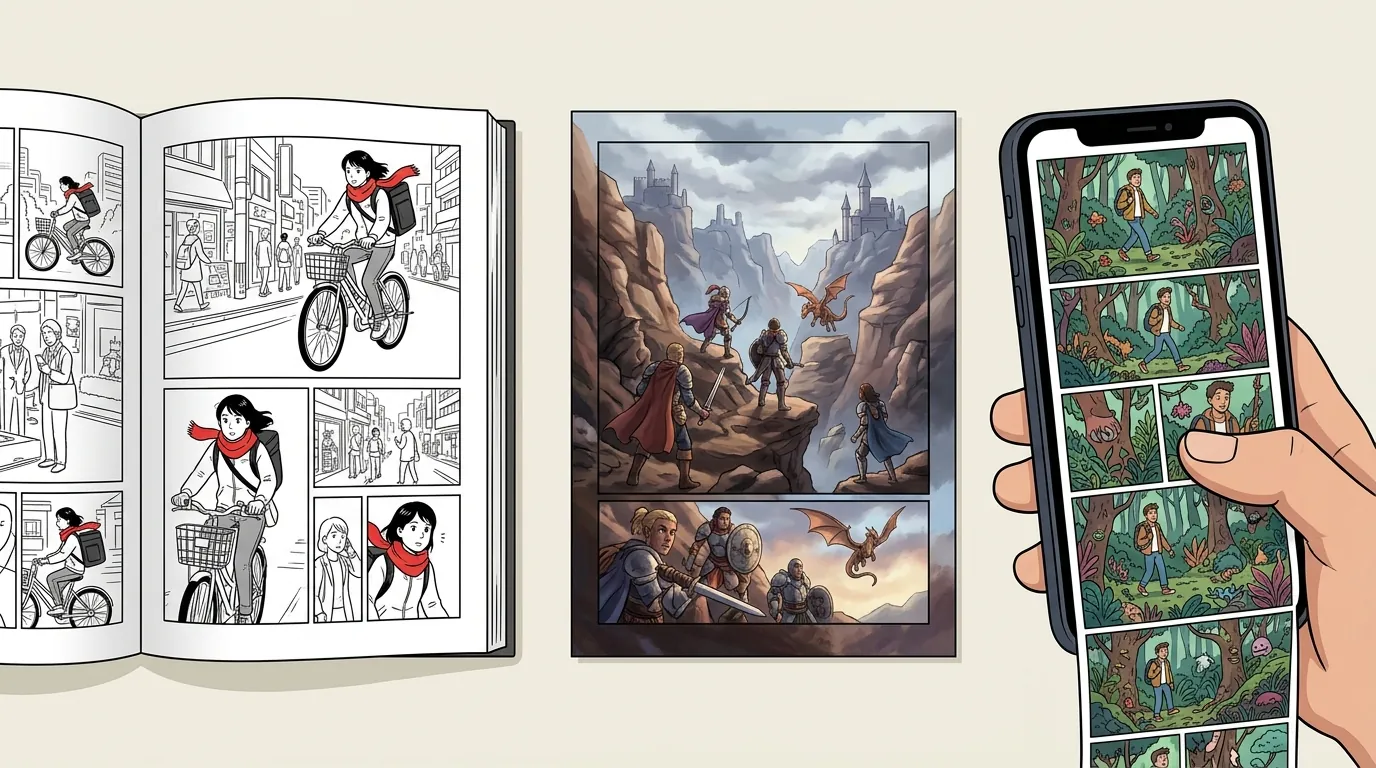
Manga, manhua and webtoons are often lumped together, and some stories appear in more than one of them. They do not read the same way, though, and the difference is more than cosmetic: it decides where the first panel sits, where the eye travels, where a twist can hide and how much colour a page carries. Here is what changes between the three, and how MangaMade handles each format.
The three formats at a glance
- Manga: comics from Japan. Pages read right to left, starting from the top-right panel, usually in black and white with grey tones made of screentone.
- Manhua: comics from the Chinese-speaking world. Most read left to right, like western comics, and many recent series are drawn in full colour, often as vertical scrolls for phones.
- Webtoon: comics made to be scrolled on a screen, which grew up online in South Korea and are now read mostly on phones. Each episode is one long vertical strip, read by scrolling down, almost always in full colour.
Reading direction
Japanese is traditionally written in vertical columns that run from right to left, so Japanese books open from what a western reader thinks of as the back. Manga follow the book: the spine is on the right, pages run from right to left, panels are read from the top right, and the balloons inside a panel are read right to left too. A new reader adjusts within a few pages; a creator has to keep it in mind in every layout.
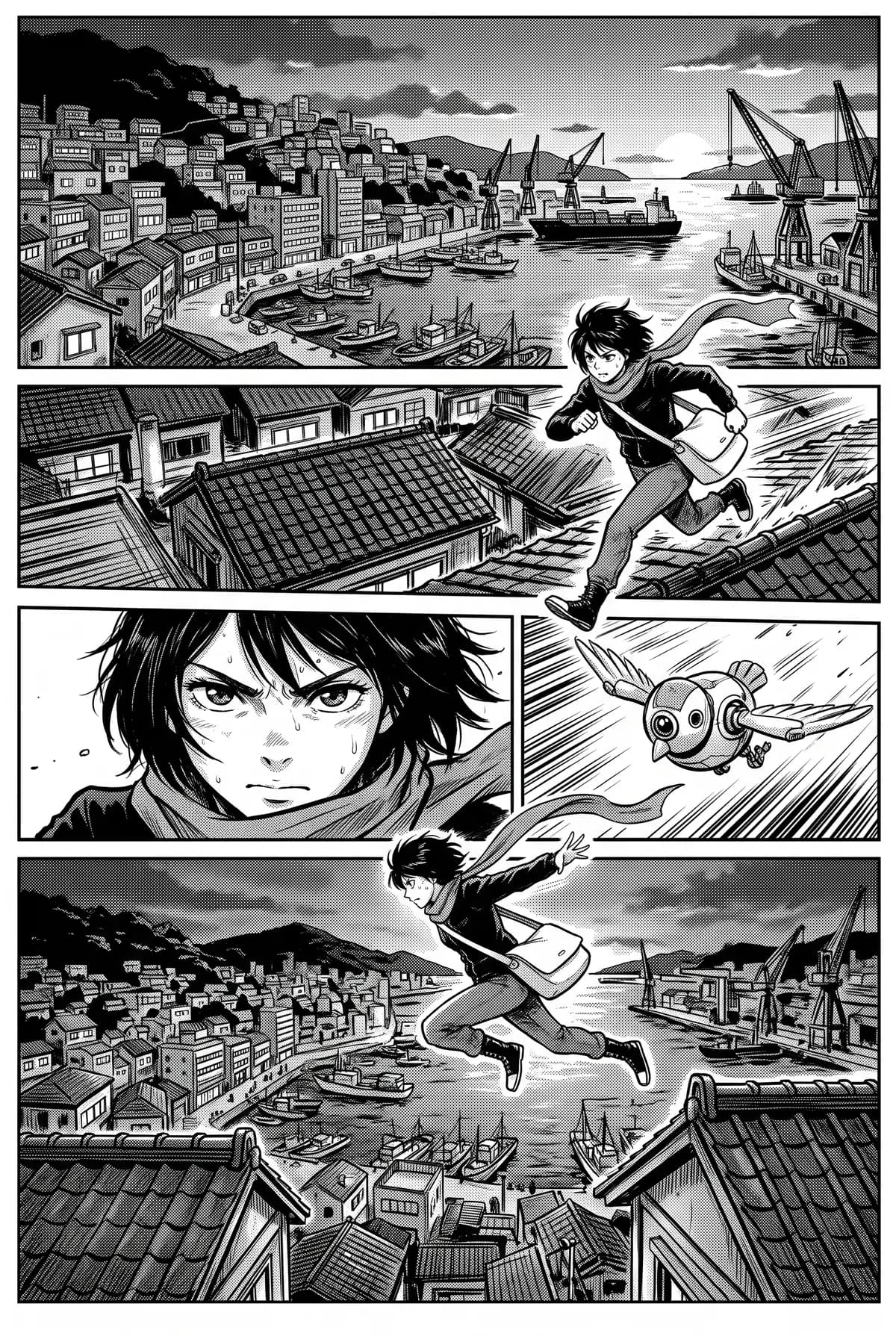
Most manhua read left to right, like modern Chinese printed in horizontal lines, and like western comics. In print, the spine is on the left and the first panel sits at the top left.
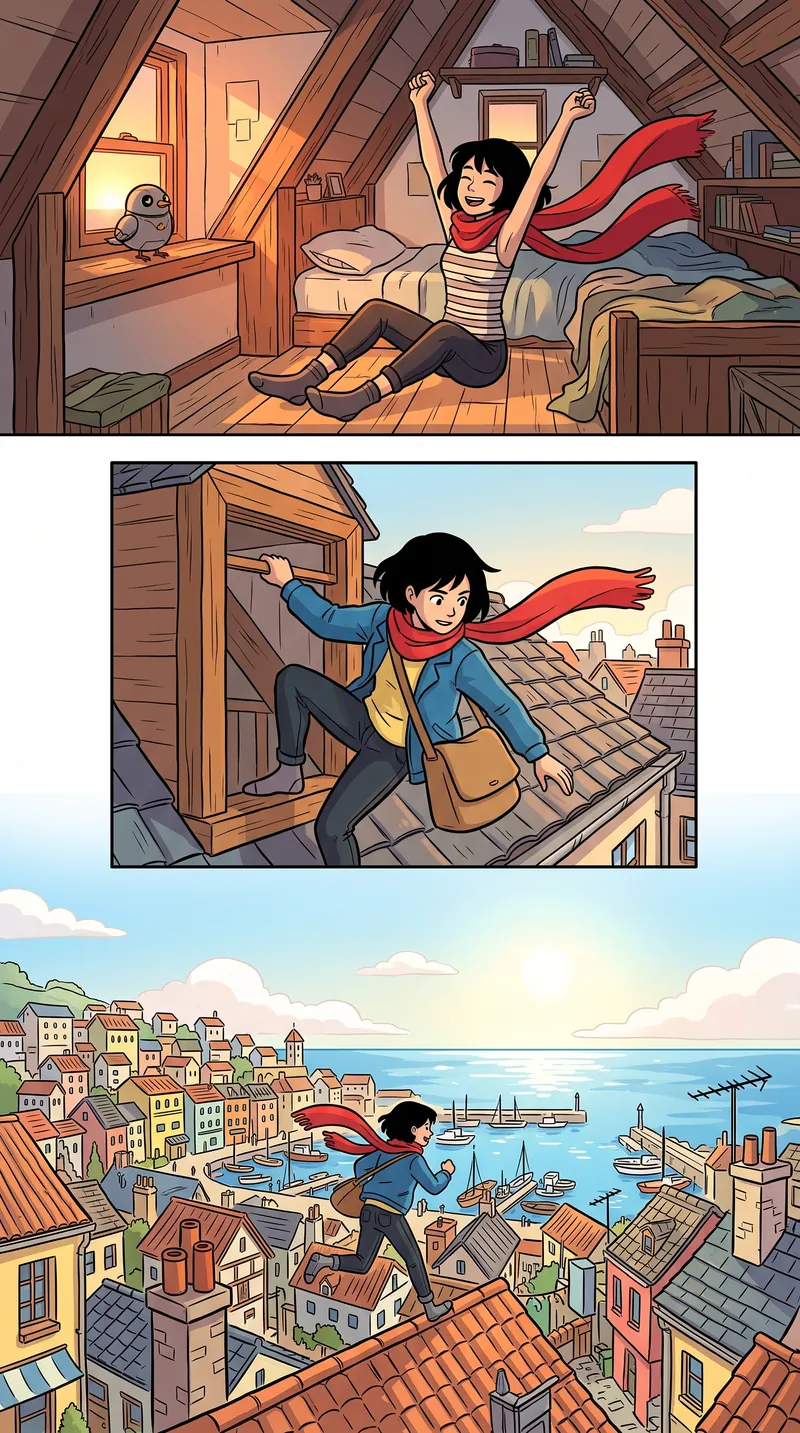
A webtoon has no page direction at all. The strip is read from top to bottom, one panel or a few at a time, as the thumb scrolls. Left and right only matter inside a panel, where balloons follow the direction of the language.
Page shape and layout
Printed manga, manhua and western comics all use portrait pages, in proportions that vary by publisher. A webtoon has a fixed width and no fixed height: each episode is as tall as its story needs, and it is uploaded in slices.
In MangaMade:
- Manga and comic pages are 2:3 portrait pages of 1400 × 2100 px, with gutters, a margin and an ink border around each panel.
- Eleven layout templates cover them, from a one-panel splash page to a grid of six. On right-to-left pages every template is mirrored, so the first panel sits at the top right.
- A webtoon chapter is built from segments 800 px wide. Each stacks one, two or three full-width panels, in shapes from tall to wide, separated by generous gutters and drawn without borders.
- Panels are drawn slightly larger than their frame and trimmed to fit, so a picture never leaves a white edge.
Pacing
On paper, the page turn is one of the strongest tools a comic has. Two facing pages are seen at once, so a surprise placed on them is spoiled before the reader gets there. Manga and comics often keep their reveals for the first panel after a turn, and end the page before it on a beat that makes the reader turn. A full-page splash is saved for the moments that deserve one.
In a webtoon, the scroll takes the place of the page turn. The reader sees about one screen at a time, so the space between panels becomes time: a long gap is a pause, a tall panel is a slow reveal, a run of small panels reads fast. Each stretch builds toward its last panel, and the big moment waits just below, where the next flick of the thumb uncovers it.
MangaMade’s planner is told which rules apply. For manga and comic series, it puts reveals right after a page turn; for webtoons, it builds each segment toward its last panel and lets a reveal or a big moment open the next one.
Colour
Colour follows how each format was printed and read. Manga magazines are printed in black and white on inexpensive paper, so manga grew up in ink, with screentone dots for greys and colour kept for special pages. Many manhua are painted in full colour. Webtoons, read on bright screens, are almost always in colour, often flat colour with bold outlines that stays readable on a phone.
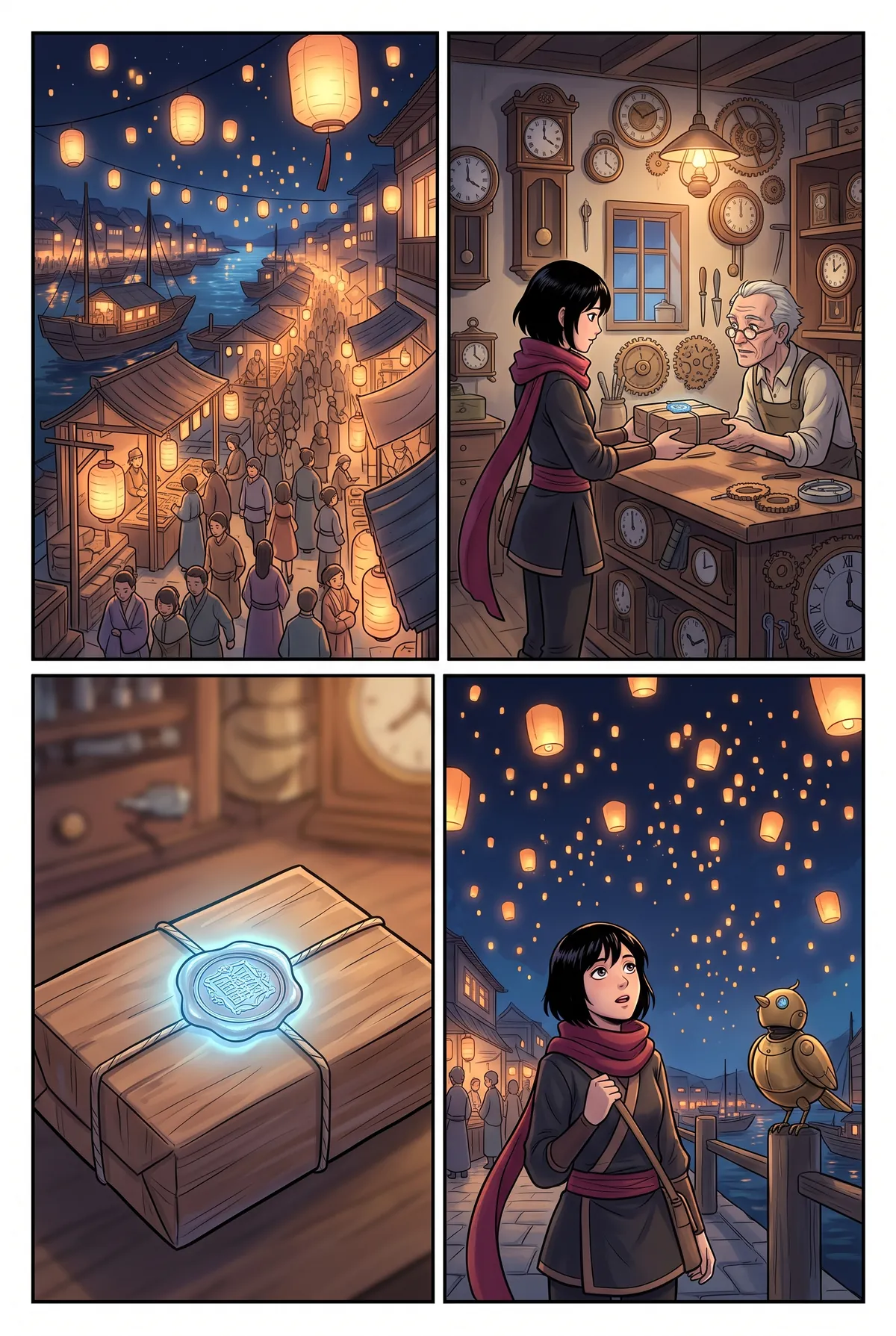
None of this is a rule in MangaMade. Each format suggests a starting style, and any of the ten presets works with any format:
- Manga suggests Manga ink, black and white with screentone shading. Action ink, Soft romance, Realist ink, Noir and Pencil sketch are black and white too.
- Comic and manhua suggests Painted colour, full colour with soft gradients.
- Webtoon suggests Flat colour, clean flat colour and bold outlines made for scrolling. Chibi and Watercolour are in colour as well.
How MangaMade handles each format
You choose the format when you start a series, and it cannot be changed afterwards, because everything else follows it: page templates, the planner’s pacing, the order in which balloons are placed, the share-link reader and the exports.
Manga
Pages read right to left, with mirrored layouts and balloons placed in right-to-left order. The PDF opens right to left, the CBZ is flagged as right to left for comic reader apps, and a share link turns pages the same way. For a manga-style series that reads left to right, switch the reading direction in the series settings before any chapter has pages; after that, it is fixed.
Comic and manhua
Pages read left to right, with the same eleven templates, unmirrored. MangaMade cannot letter Chinese yet, so a manhua-style series is lettered in one of the supported languages, such as English, French or Spanish.
Webtoon
Chapters are strips 800 px wide, built from segments of one to three panels. Every webtoon panel is drawn at 1K for 1 credit, whereas a one-panel splash page on manga and comic pages is drawn at 2K for 2. The webtoon export joins the segments and cuts the strip into PNG slices up to 1280 px tall, a size vertical-scroll platforms commonly accept, or shorter, down to 400 px. A share link shows the chapter as one continuous strip.
Dialogue language and lettering
Page direction and text direction are separate settings. The format decides how pages flow; the dialogue language decides how each line is set. Arabic and Urdu dialogue is lettered right to left in any format, and the pages of a manga in English still run right to left. For Arabic pages that also run right to left, choose the manga format, or switch a comic series to right to left before any of its chapters has pages.
MangaMade letters about thirty languages written in the Latin alphabet, from English, French and Spanish to Polish, Swedish and Indonesian, as well as Arabic, Urdu and Japanese, which is set horizontally for now. Chinese and Korean are not supported yet, because the bundled lettering fonts do not cover their scripts. In every format the lettering is its own editable layer, so a chapter can be re-lettered in another supported language without redrawing a panel.
Questions this answers
- Which way do you read manhua?
- Most manhua read left to right, like western comics, with the first panel at the top left. In MangaMade they use the comic and manhua format, whose pages read left to right.
- What is the difference between a manga and a webtoon?
- A manga is a series of pages read right to left, mostly in black and white, paced around the page turn. A webtoon is one vertical strip read by scrolling, almost always in colour, paced around the scroll.
- Can I make a manhua in Chinese with MangaMade?
- Not yet. MangaMade can draw a manhua-style series and letter it in a supported language, but its lettering fonts do not cover Chinese, so Chinese dialogue is not available.
- Can I change a series’ format later?
- No. The format is set when the series is created, because page templates, pacing and exports depend on it. For manga and comic series, the reading direction can still be switched until a chapter has pages.
- What size is a webtoon export?
- MangaMade’s webtoon export is 800 px wide and cut into PNG slices up to 1280 px tall by default, or shorter ones down to 400 px if you prefer, delivered in a ZIP and numbered from top to bottom.
Make your next chapter
Turn your story into lettered pages: model sheets for your cast, AI-drawn panels and exports in PNG, PDF, CBZ or webtoon.
Start free